
CardJar is a privacy-first loyalty card app with no account, no sign-up, and no server. It recognizes 509 shops on sight, works offline, and syncs favorites to Wear OS.
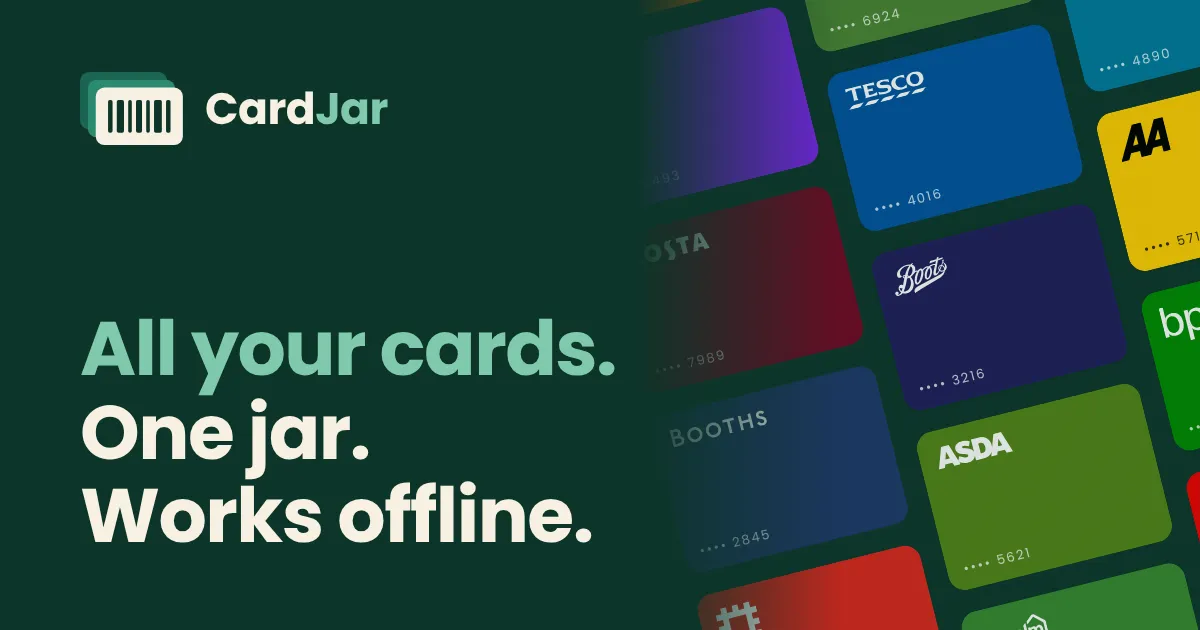
What is CardJar?
CardJar is a loyalty card wallet app for iOS and Android that stores all loyalty cards locally on the device, with no account, no sign-up, and no server. It solves the problem of digging through a purse or phone for the right card at the till by recognizing 509 loyalty schemes on sight and presenting barcodes in one tap. The app is built for privacy-conscious shoppers who want their cards available offline and without any data leaving their phone.
Key Features
- Instant card recognition: Scan a barcode and CardJar automatically fills in the shop's name and colour from its built-in database of 509 schemes across 12 countries. No manual entry needed for most cards.
- Offline-first operation: All cards, logos, and the barcode reader are stored locally, so the app works with no signal, no Wi-Fi, and in aeroplane mode. There are no network requests at all.
- Wear OS watch support: Favourite a card and it appears on a Wear OS watch with a dedicated tile, keeping its own copy so it works even when the phone is elsewhere. There is no Apple Watch app.
- Batch import from screenshots: Users coming from Stocard can select a photo album and CardJar reads every barcode, names each card, and flags cards with rotating codes, all on-device.
- Secure sharing and export: Share a card via a link that carries the data after the # so servers never see it, or export all cards to a passphrase-protected file for backup.
- Multiple barcode formats: Supports EAN-13, EAN-8, UPC-A, UPC-E, Code 128, Code 39, Code 93, ITF, Codabar, QR, Aztec, and Data Matrix. PDF417 cards can be saved but not displayed yet.
How It Works
Getting started with CardJar requires no account creation. After installing from the App Store or Google Play, users scan the barcode on the back of a loyalty card using the phone's camera. The app recognizes the retailer, fills in the name and colour, and saves the card locally. For cards not recognized, users can pick the shop from a list. Daily use involves opening the app, tapping a card (favourites appear at the top), and showing the barcode at full brightness on a white background for scanning. Cards can be shared with others via a link or QR code, and backups can be exported with a passphrase. The app also offers an optional lock using fingerprint, face, or PIN.
Use Cases
- A frequent shopper who holds cards for Tesco, Nectar, and Co-op can pin them as favourites and access each barcode in one tap at the till, even in a basement supermarket with no signal.
- A couple who shares a Clubcard can send it to each other via a message link, giving each their own copy without a shared account or any server involvement.
- A former Stocard user who took screenshots of cards before the shutdown can import the entire album into CardJar, which reads and names each card automatically, saving hours of manual entry.
Frequently Asked Questions
Is CardJar free? Yes, CardJar is free with no account, no sign-up, and no email address required. There are no ads or tracking.
Does CardJar work offline? Yes, completely. All cards and the retailer database are stored on the phone, so the app functions in aeroplane mode.
Is there an Apple Watch app? No, CardJar offers a Wear OS app for Android watches but no Apple Watch version.
Can cards with changing codes be used? No, cards that generate a new code each time cannot be displayed by any wallet app, and CardJar informs users when adding such a card.
How does sharing work? Cards can be shared via a link that contains the card data after the #, which browsers never send to a server, so the data stays private.
Pros & Cons
Pros
- No account or sign-up required, reducing friction and enhancing privacy.
- Works fully offline with all data stored locally on the device.
- Recognizes 509 loyalty schemes across 12 countries on sight.
- Supports Wear OS watches for quick access without the phone.
- Batch import from screenshots simplifies migration from Stocard.
Cons
- Cards with rotating codes cannot be used, which may affect some retailers.