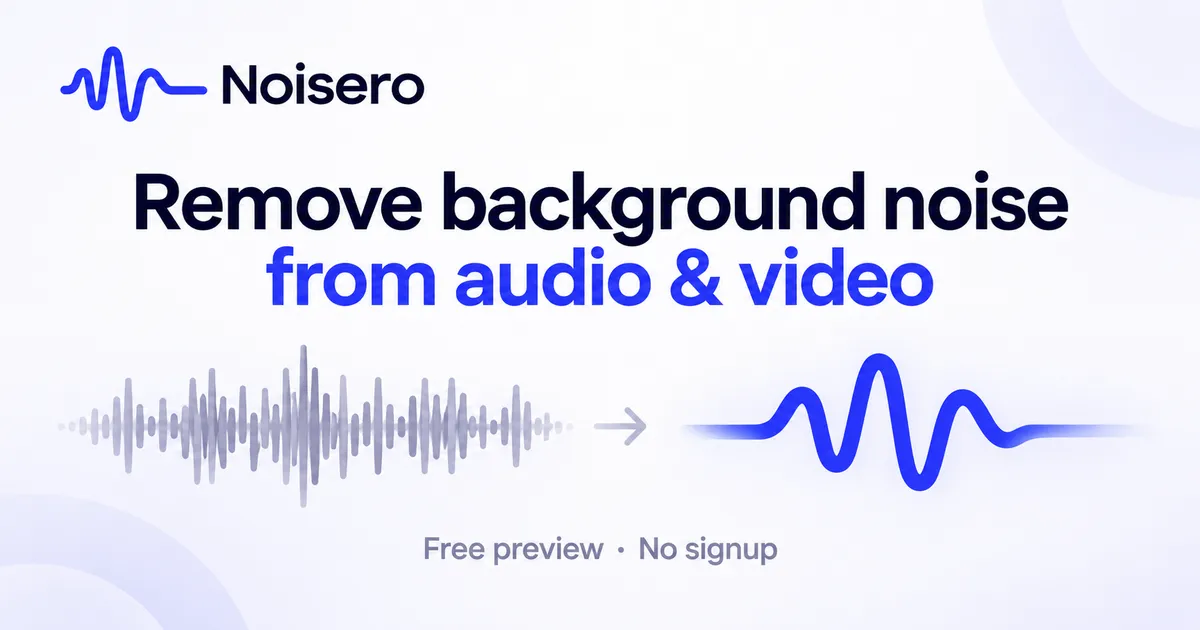
Remove background noise from audio and video online with Noisero. Preview AI-cleaned recordings for free.
What is Noisero?
Noisero is an AI-powered online tool that removes unwanted background noise from audio and video recordings. It helps podcasters, video creators, online educators, and professionals produce clearer audio without complicated editing software or technical expertise. Whether you're dealing with traffic noise, humming fans, air conditioning, or distracting background sounds, Noisero uses AI to clean up your recordings while preserving speech.
Simply upload your file, listen to a free cleaned preview, and decide whether to process the full recording. Everything works directly in your browser, with no software installation required.
Key Features
-AI-powered noise removal: Automatically reduce distracting background noise while preserving speech clarity. -Audio and video support: Remove background noise from MP3, WAV, MP4, MOV, and other supported recording formats. -Free instant preview: Listen to a short cleaned sample before processing the entire recording. -No installation required: Clean your recordings online without downloading professional audio editing software. -Simple workflow: Upload your recording, preview the cleaned audio, and process the full file. -No editing experience needed: Get cleaner audio without manually adjusting filters, frequencies, or complicated settings. -Pay only when needed: Preview your recording for free without committing to a subscription.
How It Works
Noisero makes removing background noise from audio and video a straightforward process.
- Upload your recording: Select an audio or video file containing unwanted background noise.
- AI noise removal: Noisero analyzes your recording and uses AI to separate speech from distracting background sounds.
- Preview the result: Listen to a free cleaned sample to evaluate the improvement before proceeding.
- Process the full recording: Once you're satisfied with the preview, choose to clean the entire file.
- Download your cleaned file: Save the processed recording for use in podcasts, videos, presentations, or other projects.
- The entire process takes place online, eliminating the need for complicated editing software or manual audio adjustments.
Use Cases
-Podcast Recording and Editing. Podcasters often record interviews remotely or in environments that aren't acoustically treated. Background conversations, computer fans, and other environmental sounds can make recordings difficult to listen to. Noisero helps clean up podcast audio without requiring advanced audio engineering skills. -YouTube and Social Media Videos. Video creators frequently encounter unwanted noise when filming outdoors, recording tutorials, or shooting videos at home. Noisero removes distracting background sounds from video recordings, helping creators improve audio quality without complicated post-production workflows. -Online Courses and Educational Content. Teachers and online educators can use Noisero to improve the clarity of recorded lectures, tutorials, and training materials. Cleaner audio helps students focus on the content rather than distracting environmental noise. -Interviews and Journalism. Journalists, researchers, and interviewers often capture conversations in unpredictable recording environments. Noisero helps reduce background noise in interviews, making spoken content easier to understand. -Remote Meetings and Presentations. Professionals can clean up recorded meetings, webinars, presentations, and voice recordings affected by background noise from home offices or shared workspaces.
Frequently Asked Questions
-Can Noisero remove background noise from videos? Yes. Noisero supports video recordings, including MP4 and MOV files. It processes the audio to reduce unwanted background noise without requiring users to extract and edit the audio track separately. -Is Noisero free to try? Yes. You can upload a recording and listen to a short AI-cleaned preview for free. This allows you to evaluate the result before deciding whether to process the entire file. -Do I need to install any software? No. Noisero works directly in your browser. You don't need to download or install audio editing software. -What audio and video formats does Noisero support? Noisero supports common recording formats, including MP3, WAV, MP4, and MOV. -Can Noisero remove traffic, wind, and fan noise? Noisero is designed to reduce various types of background noise, including traffic, wind, fans, and air conditioning. Results depend on the original recording and the type and intensity of the noise. You can use the free preview to evaluate the improvement. -Does Noisero require audio editing experience? No. Noisero is designed for beginners and professionals alike. AI handles the noise reduction process automatically, so you don't need to configure audio filters or learn complicated editing techniques.
Pros & Cons
Pros
- Free cleaned preview with no signup required lowers the barrier to testing the service.
- Pay-as-you-go pricing at $0.50 per minute avoids subscriptions and hidden fees.
- Processes both audio and video files while leaving video quality untouched.
- Targets specific noise types such as wind, traffic, room echo, and keyboard clicks.
- Most short files are processed in about a minute, enabling fast turnaround.
Cons
- No free tier for full file downloads; users must pay per minute for complete results.
- No mobile app or desktop application is mentioned, limiting use to the web interface.
- No integrations with editing software or cloud storage services are listed.